Friday payroll for contractors, already added up
By the Hewer team · · 1 min read
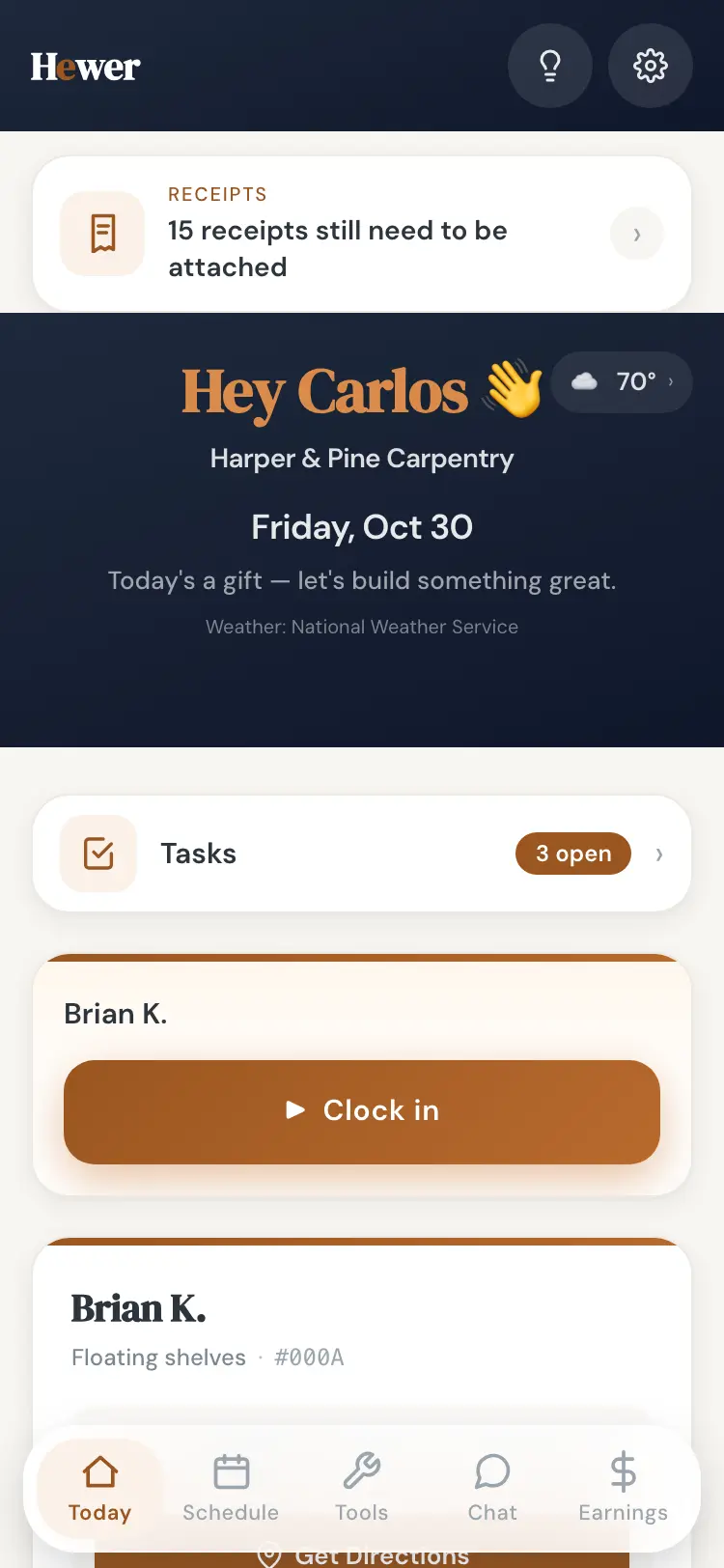
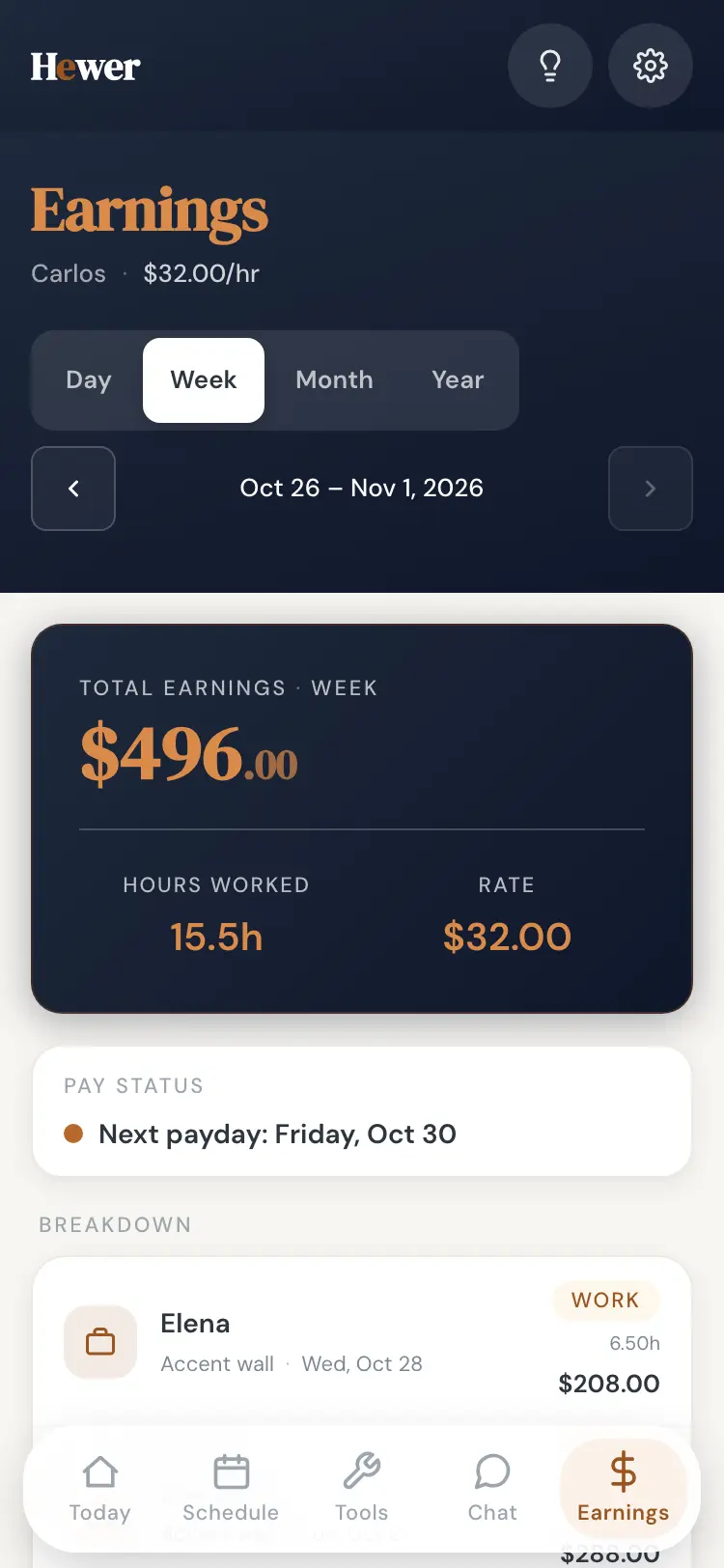
Friday afternoon shouldn't mean chasing five people for their hours and adding them up on a napkin. In Hewer, the hours are already there, because the crew clocked in on their phones all week.
Hours roll up from clock-ins
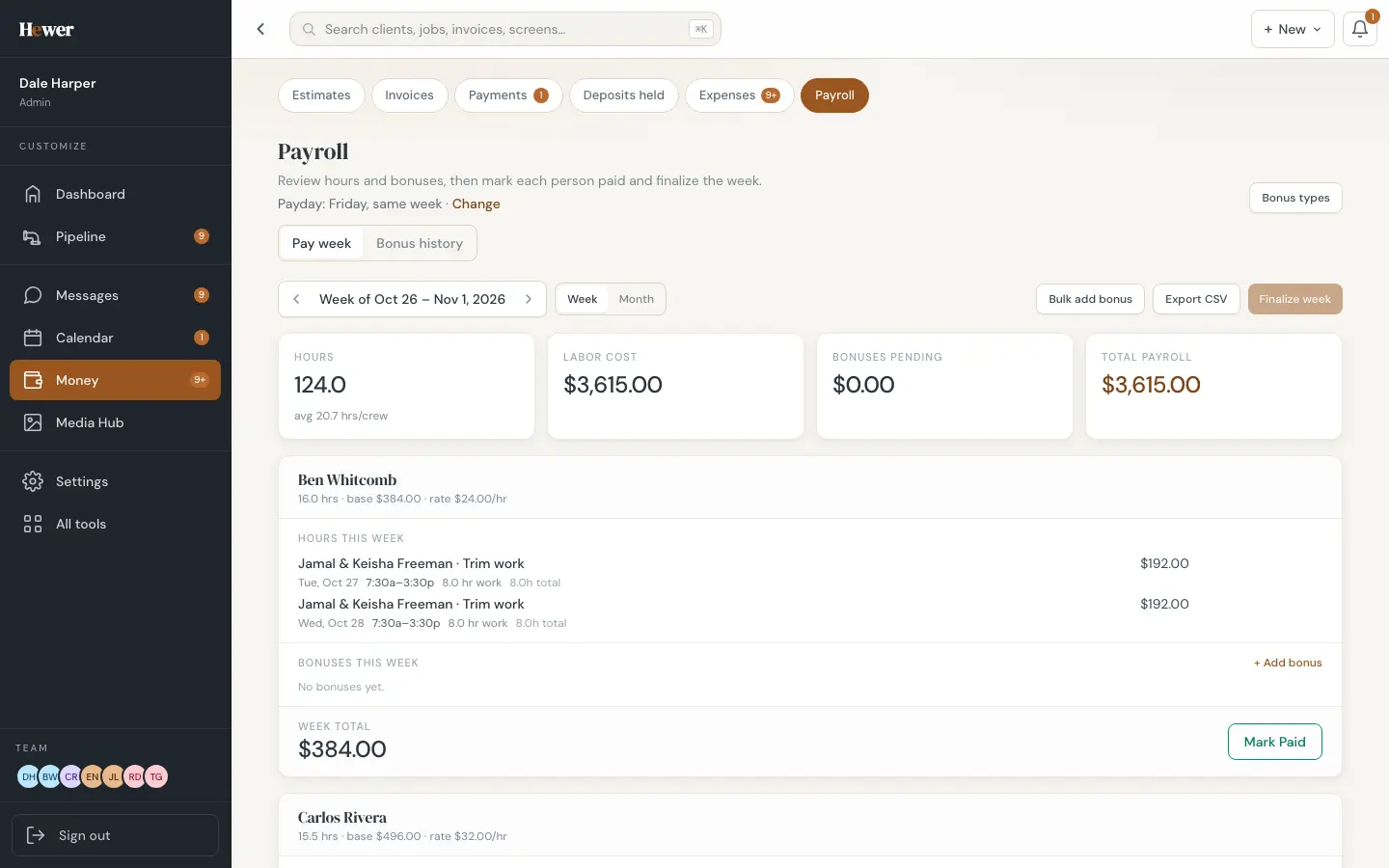
Every clock-in from the crew app lands on the payroll week, split by job and day, at each person's rate. Drive time from travel mode is counted the way you pay it.
Bonuses inline
Add a bonus right on a person's week: a finish-early bonus, a profit share, a holiday. Set up your own bonus types once and pick from them.
Mark paid and finalize
Mark each person paid, then finalize the week. Hewer can email a receipt to the crew member, and the week moves into payroll history. Export a CSV for your bookkeeper or payroll service.
Labor cost lands on the job
The same hours feed each job's labor cost, so the margin on the job record is real. See Job costing and margin.
Hewer adds up hours and pay. It doesn't file payroll taxes; your payroll service or bookkeeper still does that.
Start a trial and run your first week in Hewer.