Customer messages and calls, all on the job
By the Hewer team · · 2 min read
"Did anyone call Mrs. Lowell back?" is a question that costs jobs. When conversations live on the owner's personal phone, nobody else can see them, and nobody can pick up where the last person left off. Hewer keeps every customer conversation on the customer's record, where the whole office can see it.
One thread per customer
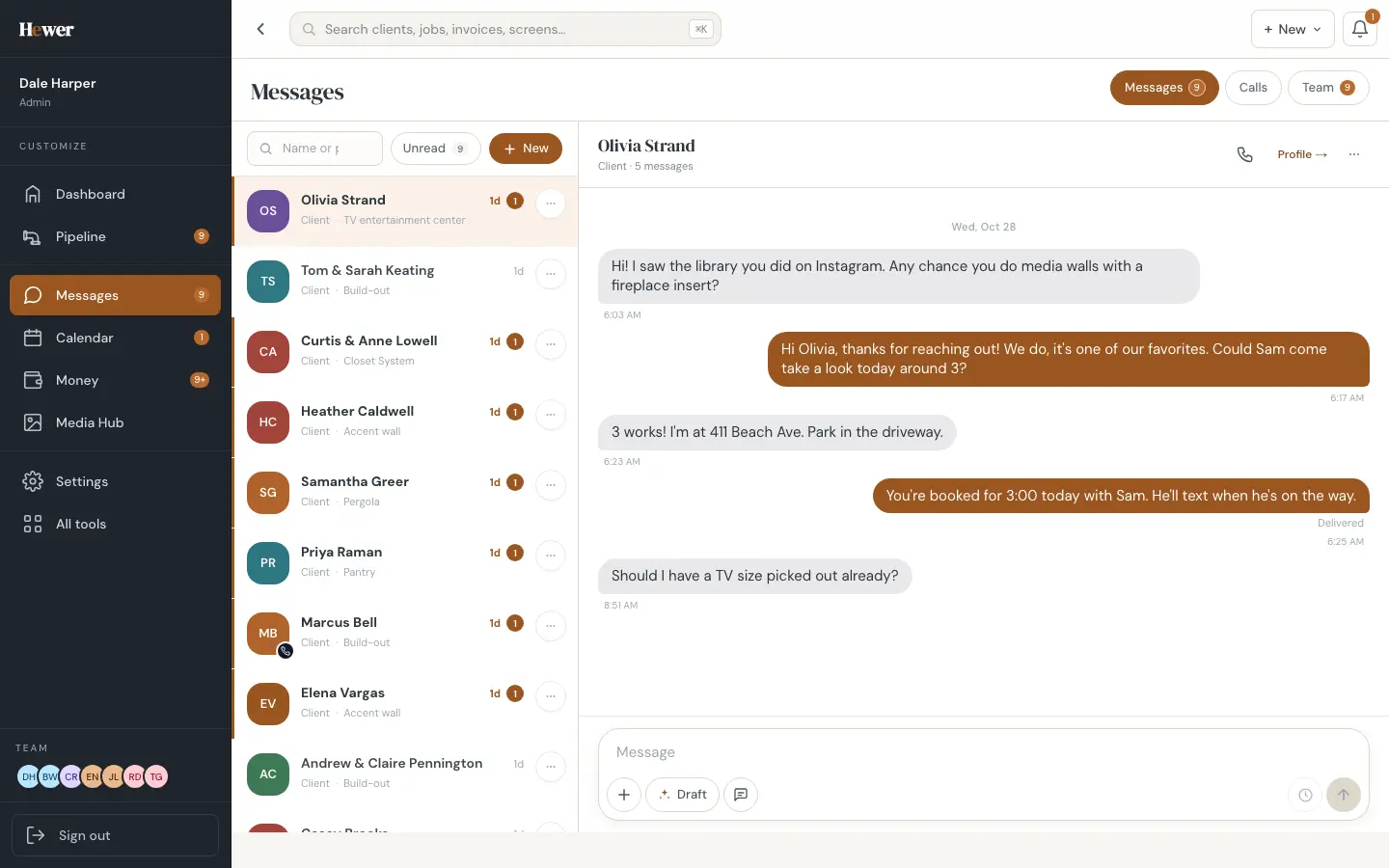
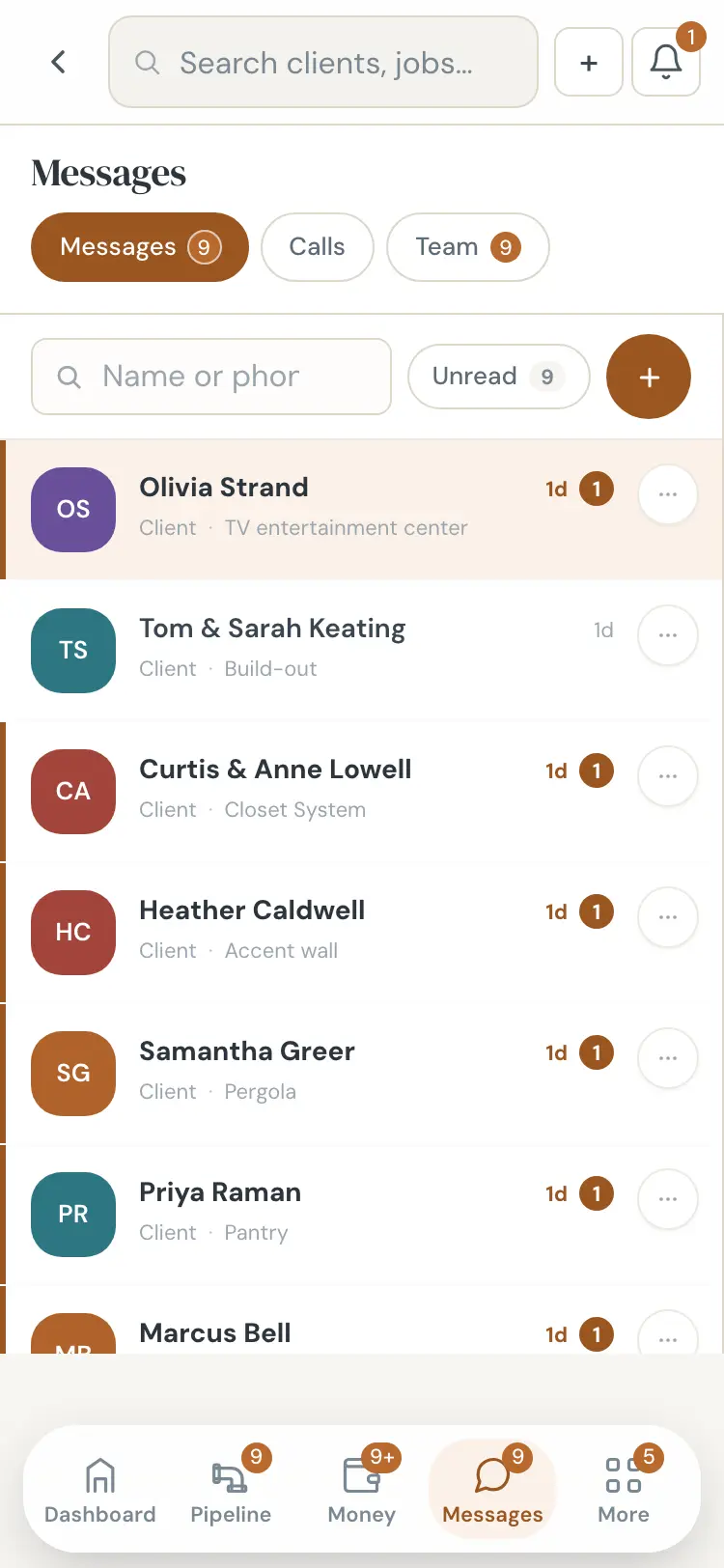
The Messages screen lists every customer conversation, newest first, with an unread count and the job each one is about. Open one and you see the whole history, the customer's details and a link to their profile. Search by name or phone number.
Reply drafts in your voice
The Draft button writes a reply based on the conversation and the job. It reads like a person wrote it, not a template, and you can edit it before anything goes out. It's handy at the end of a long day when twelve customers are waiting on an answer.
Calls with a transcript and a summary
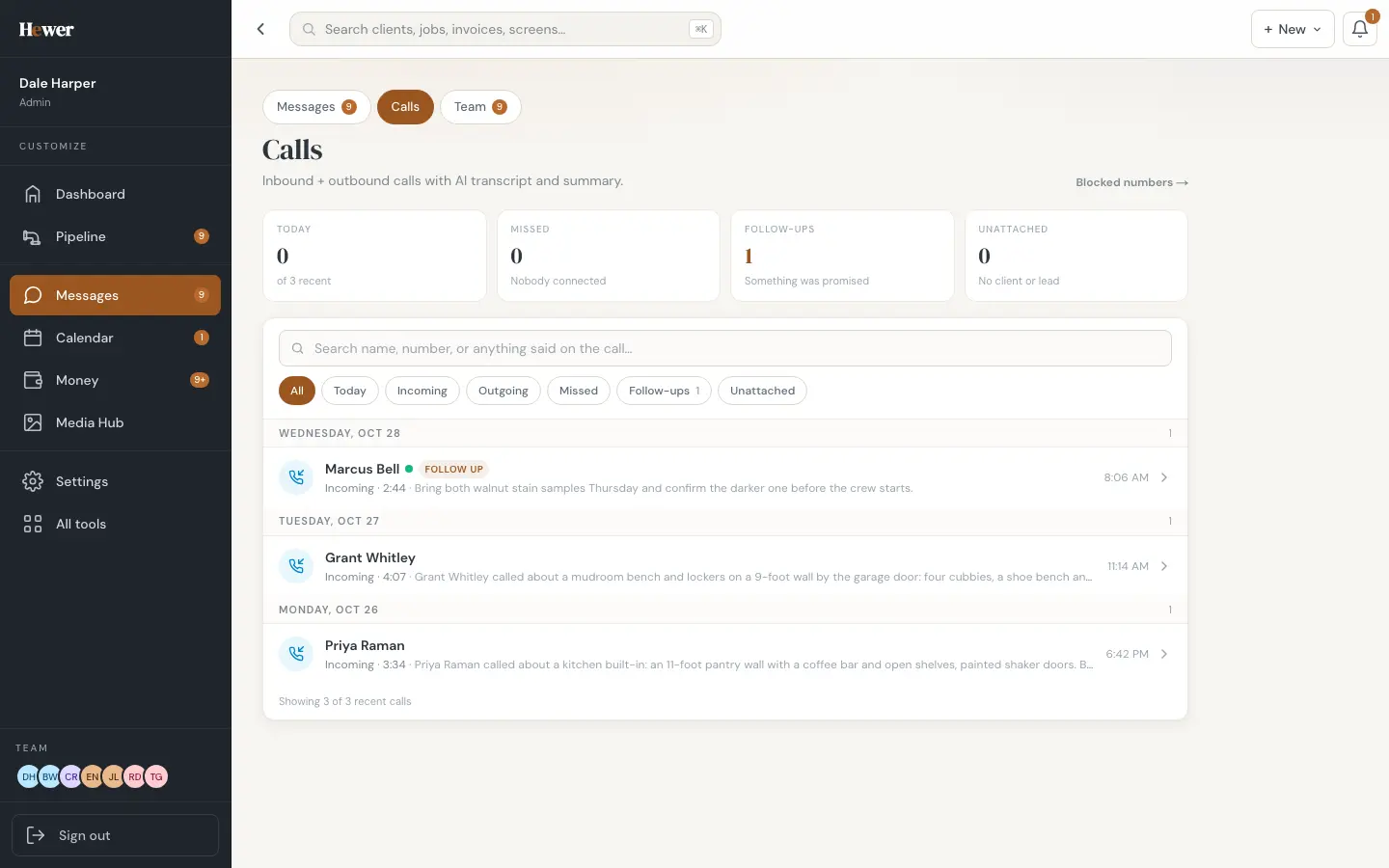
The Calls tab logs incoming and outgoing calls. Each call gets an AI transcript and a short summary, so you can see in one line what the customer asked for. Calls where something was promised are flagged as follow-ups, and calls from numbers that aren't a client or lead yet are listed so you can attach them.
The dashboard keeps score
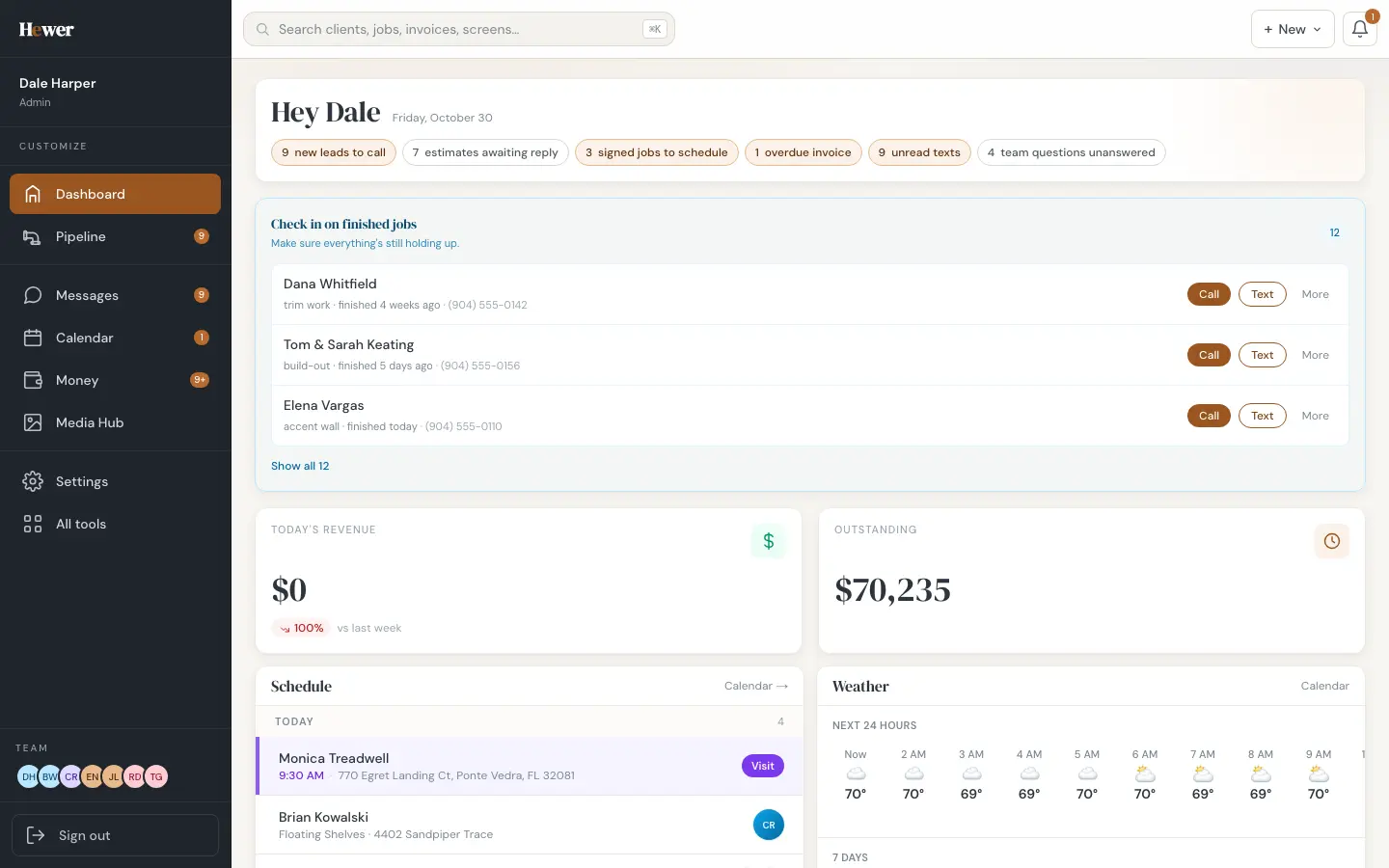
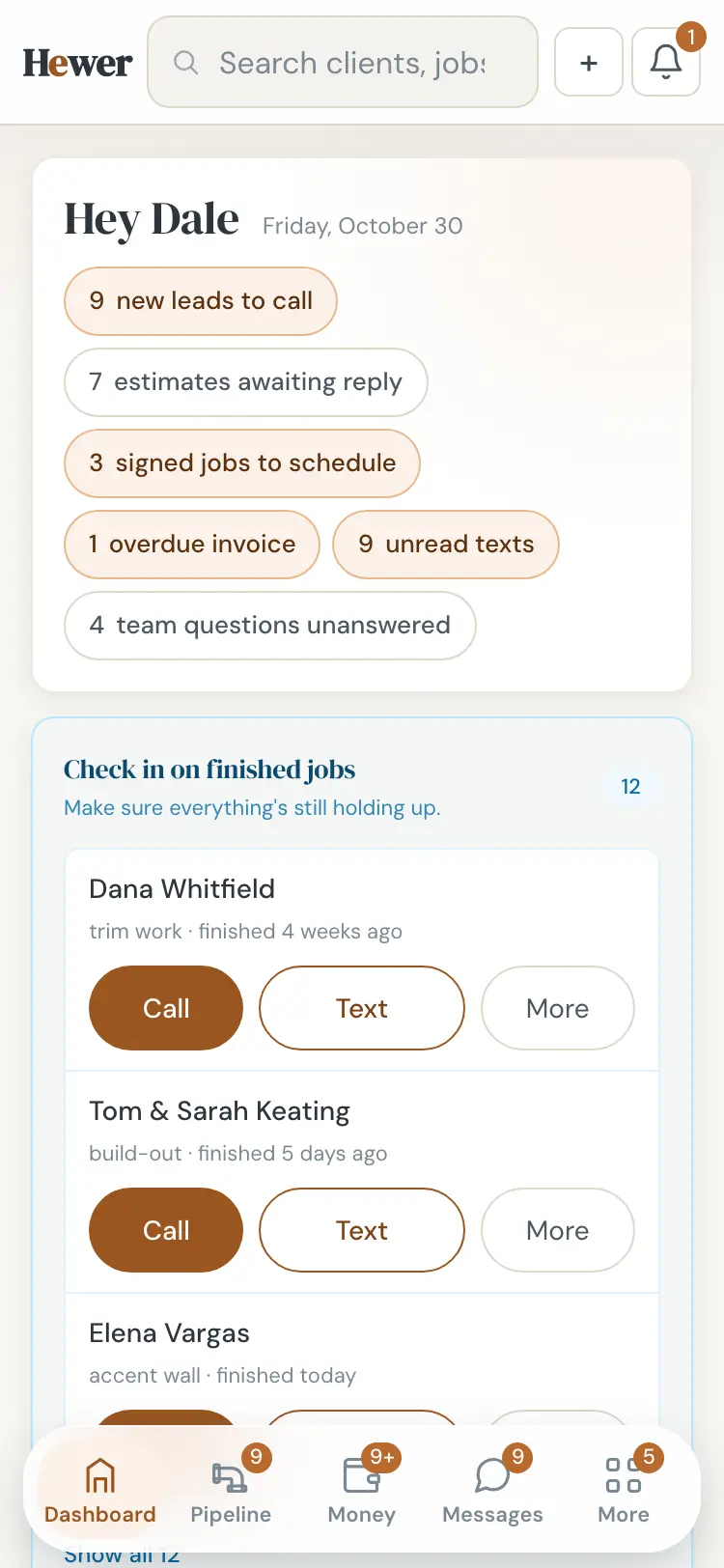
The dashboard's top row counts what is waiting: new leads to call, estimates awaiting a reply, signed jobs to schedule and unread messages. Tap one and you land on the list.
Team chat stays separate
If you turn on team chat, the Team tab holds your office and crew conversations: an Everyone chat, one-to-one messages and groups. Crew talk never ends up in a customer's thread.
Pairs well with the phone assistant
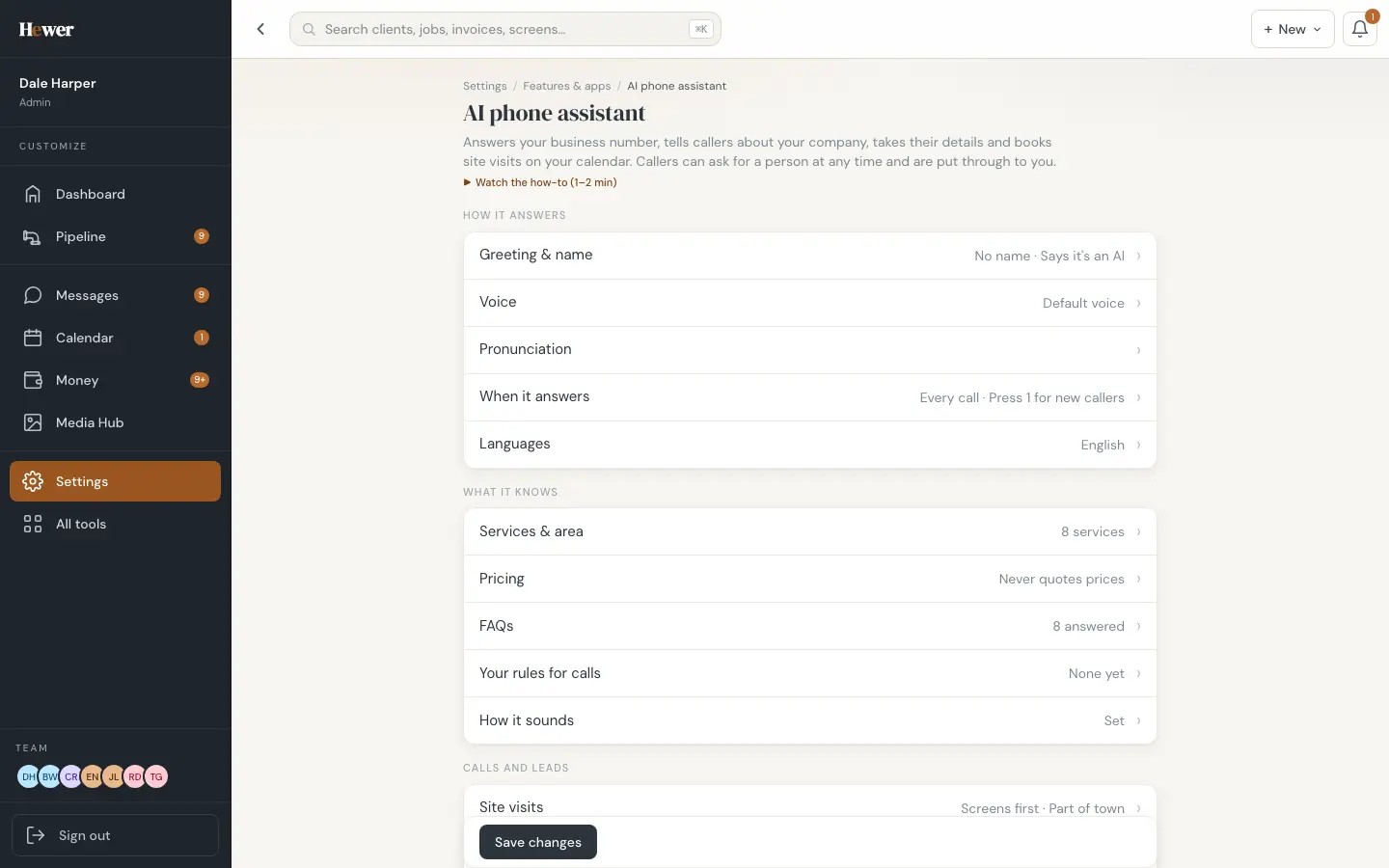
If you add the AI phone assistant, the calls it answers show up here too, with the transcript, the summary and any site visit it booked. See everything else on the features page or try Hewer free.
Questions
Can more than one person in the office answer customers?
Yes. Messages are on the customer's record, so anyone with access can read the history and reply.
Are calls transcribed automatically?
Calls logged in Hewer get an AI transcript and a short summary. Stored names, numbers and addresses are swapped for placeholders before the summary is written, and customer data is never used to train AI.