Everything Hewer does: a contractor CRM, field app and back office in one login
By the Hewer team · · 4 min read
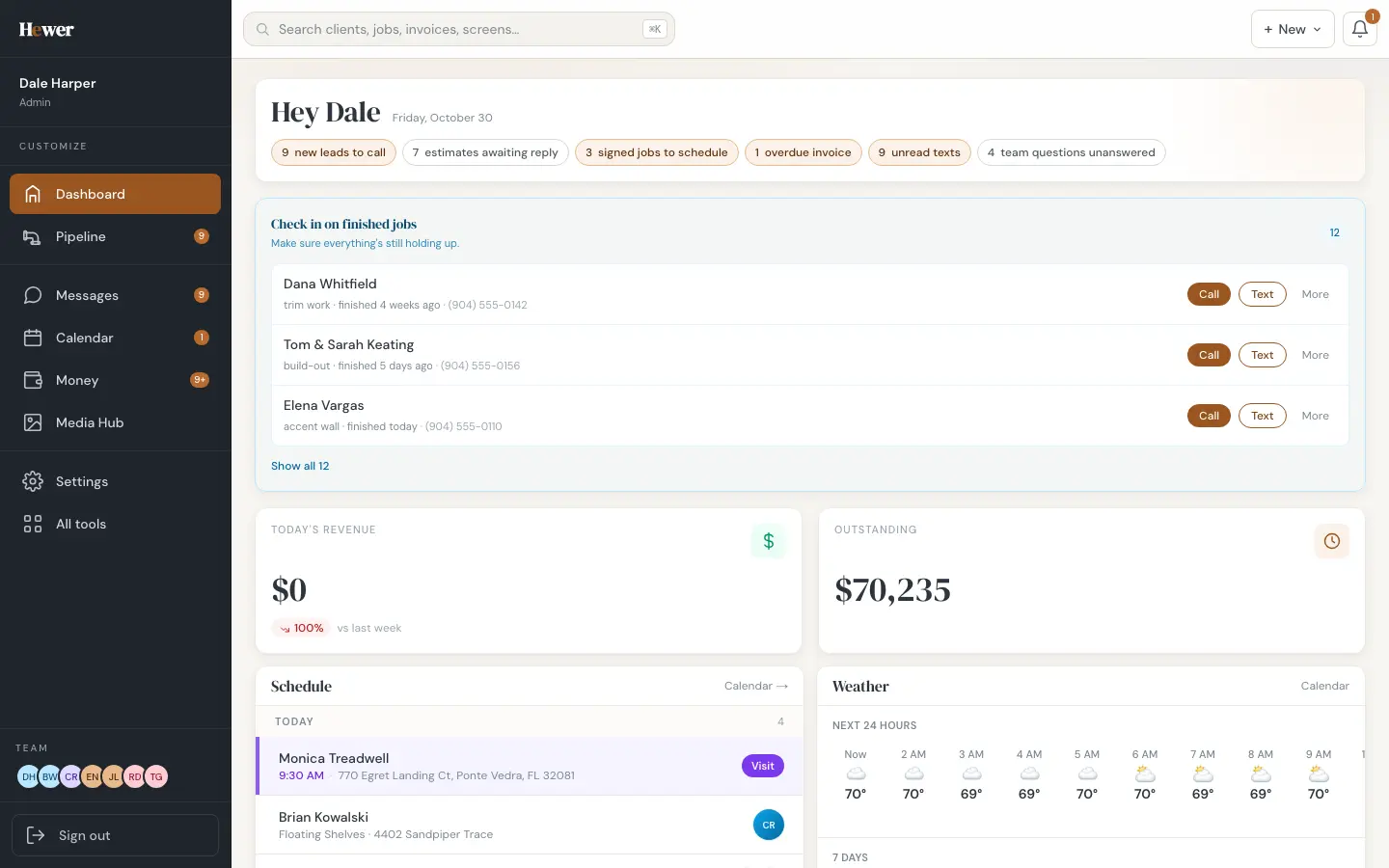
Most contractors run the business out of five places: a notes app for leads, a spreadsheet for estimates, a paper calendar, a group chat with the crew and a payment app. Hewer puts all of it behind one login. This page walks through every part of it in plain words, with real screens from a demo company, so you can tell in ten minutes whether it fits the way you work.
Who Hewer is for
Hewer is built for home-improvement and specialty trade contractors: carpenters, remodelers, painters, electricians, plumbers, flooring and tile installers, roofers, concrete and hardscape crews. It works the same for a two-person shop and a thirty-person outfit. There are no feature tiers. Every company gets the whole product, and you pay for seats.
$249/month for up to 5 people, then $49 for seats 6–15, then $35 for seats 16+. Every feature is in the one plan.
30-day trial. No card needed to start. See pricing
1. Leads and estimates
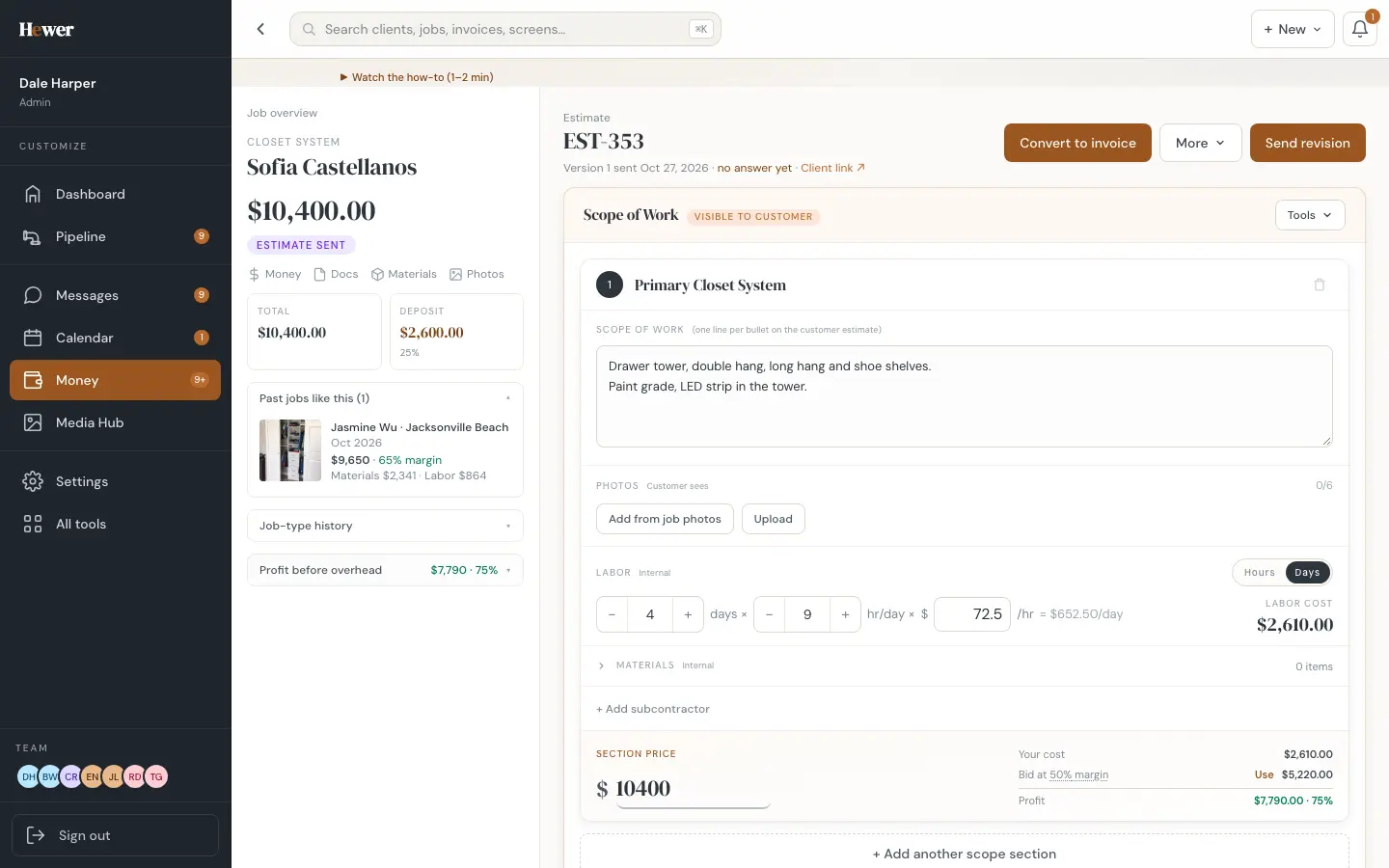
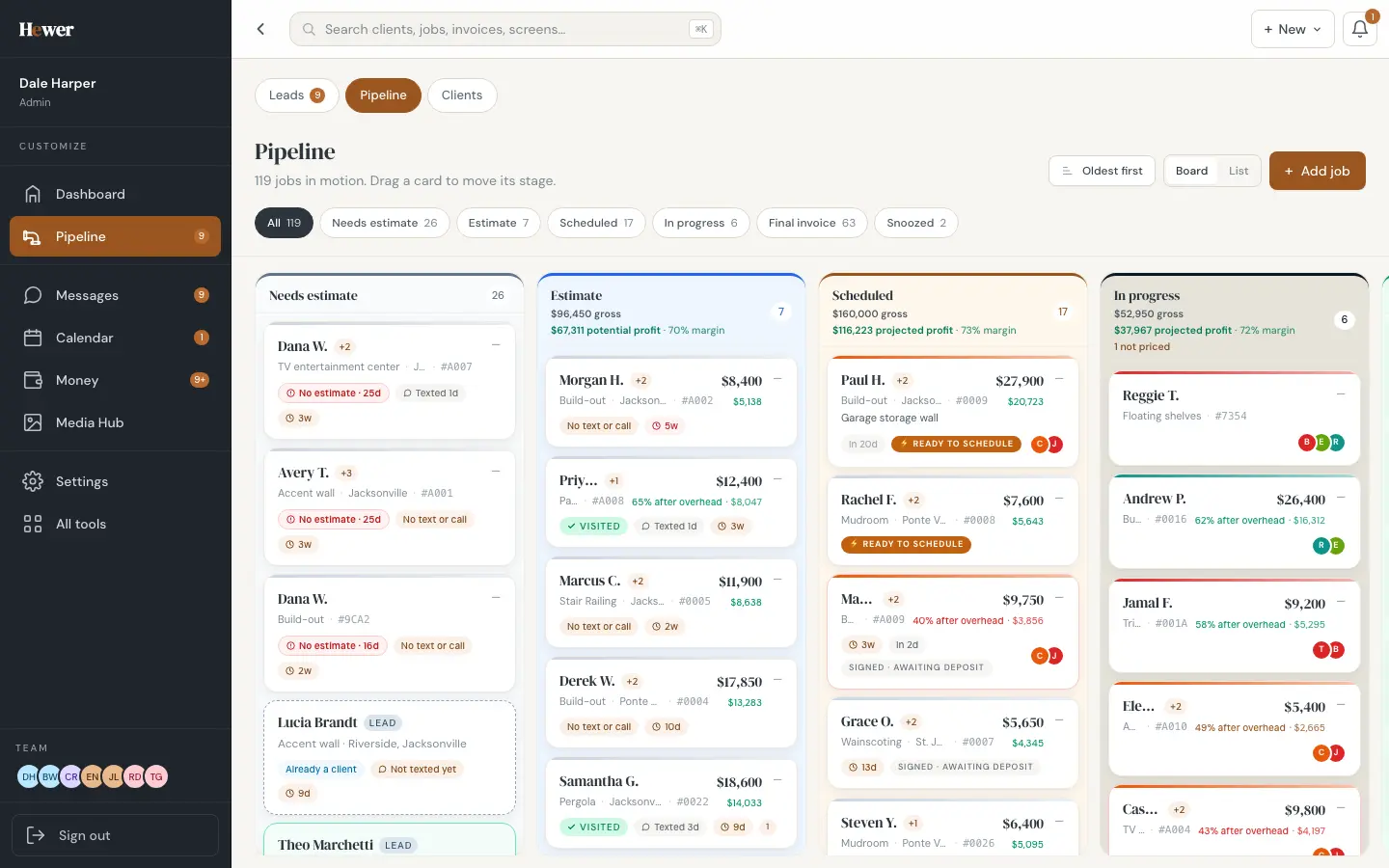
Every inquiry lands in one Leads list: your website form, Thumbtack, the AI phone assistant and the ones you type in yourself. Duplicates are caught by phone number. From a lead you schedule a site visit, write the estimate and send it as a branded PDF the customer can approve and sign from their phone. Approval creates the contract and the deposit invoice on its own. Read more in Leads and estimates.
2. Scheduling and the calendar
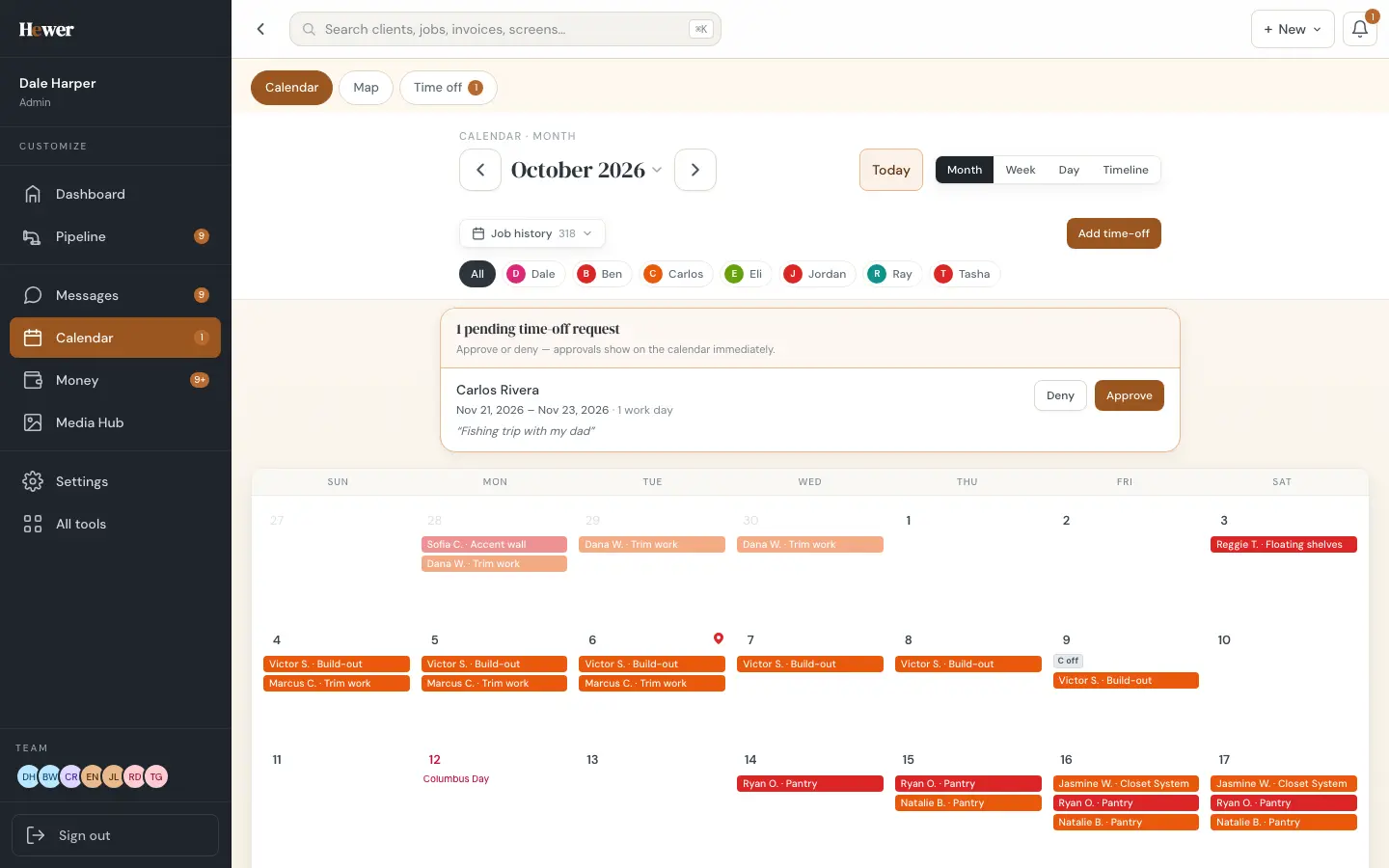
Signed jobs go on a calendar with month, week, day and timeline views. Drag a job to move it. Filter by crew member, see the five-day forecast, approve time off, and send confirmed dates to Google Calendar. Read more in Construction scheduling.
3. The crew app
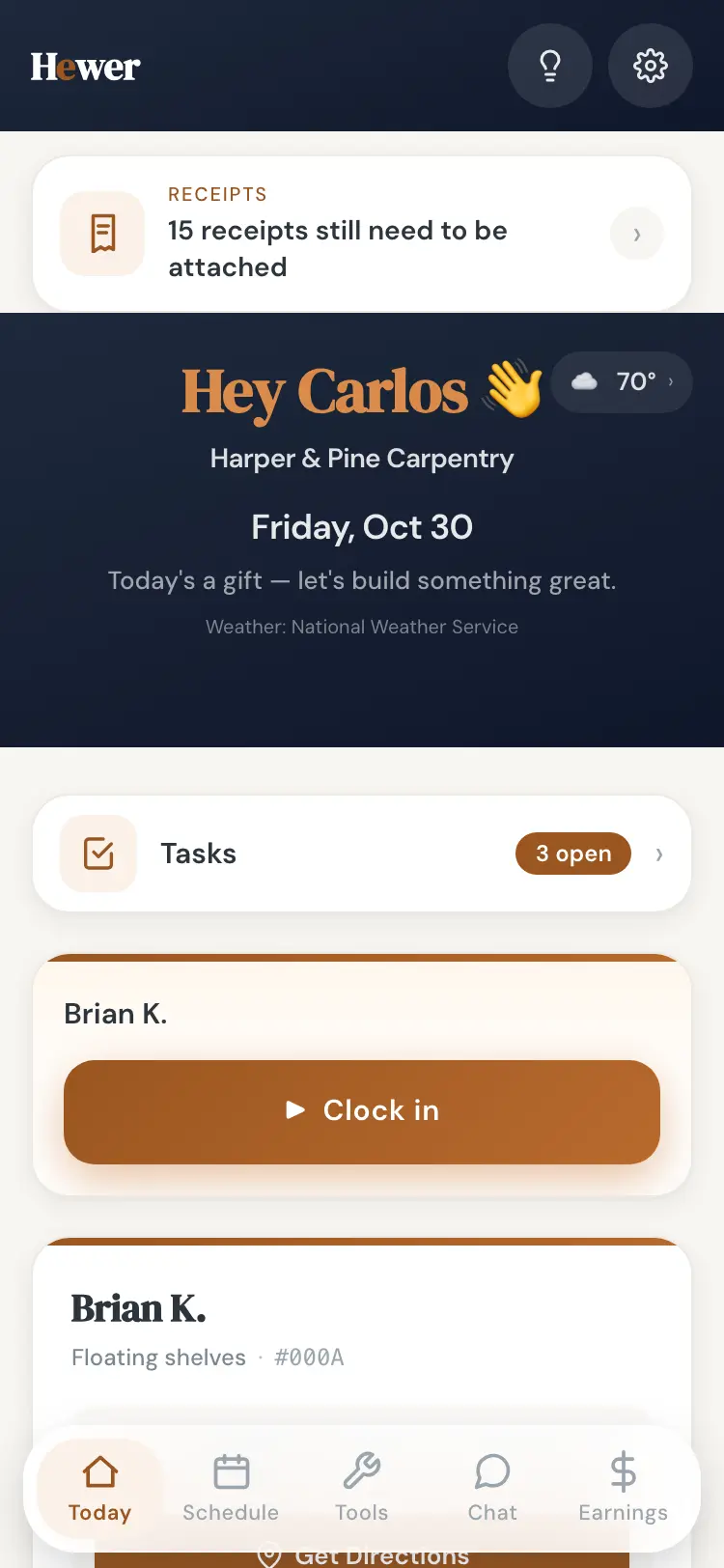
Your crew gets their own app on iPhone or Android, in English, Spanish or Russian. It opens on today's jobs with the weather and directions, clocks them in with one tap, takes progress photos and lets them ask the office for material. They see their own hours and pay, never your pricing. Read more in The crew app.
4. Messages and calls
Every conversation with a customer sits in one thread on their record, next to the job. Calls are logged with an AI transcript and a short summary, so nobody has to remember what was promised on the phone. Read more in Customer messages and calls.
5. Invoicing and payments
Deposit invoices go out the moment an estimate is approved. Customers pay by card, Apple Pay or Google Pay, or with your Zelle, Venmo or Cash App handle, and Hewer matches each payment to its job. Hewer takes no cut of your payments; card payments carry Stripe's standard fee. Read more in Invoicing and payments.
6. The customer portal
Each job gets a private link for the customer: where the job stands, photos, the scope, who is coming, what happens next, and a button to pay. Once the contract is signed and the deposit is in, they can book their own start date against your crew capacity. Read more in The customer portal.
7. Site visits
Estimators run the walkthrough from a phone or iPad: photos sorted into projects, dimensions drawn right on the picture, and everything saved even with no signal. The visit hands straight to the estimate. Read more in Site visits.
8. Reviews and marketing
Hewer pulls in your Google reviews, sums up what customers keep praising, and asks every finished customer for a review on a polite schedule. Job photos land in a Media Hub, tagged by customer and stage, ready to post. Read more in Reviews and marketing.
9. The AI phone assistant
An optional assistant answers your business number when you can't, tells callers what you do, takes their details and books site visits on your calendar. Callers can ask for a person at any time. Read more in The AI phone assistant.
10. Money, payroll and reports
Clock-ins roll up into a payroll week view on Friday. Card charges match to jobs. Each job shows its true margin, and the reports show revenue, win rate and where your best leads come from.
11. The free Trade Toolkit
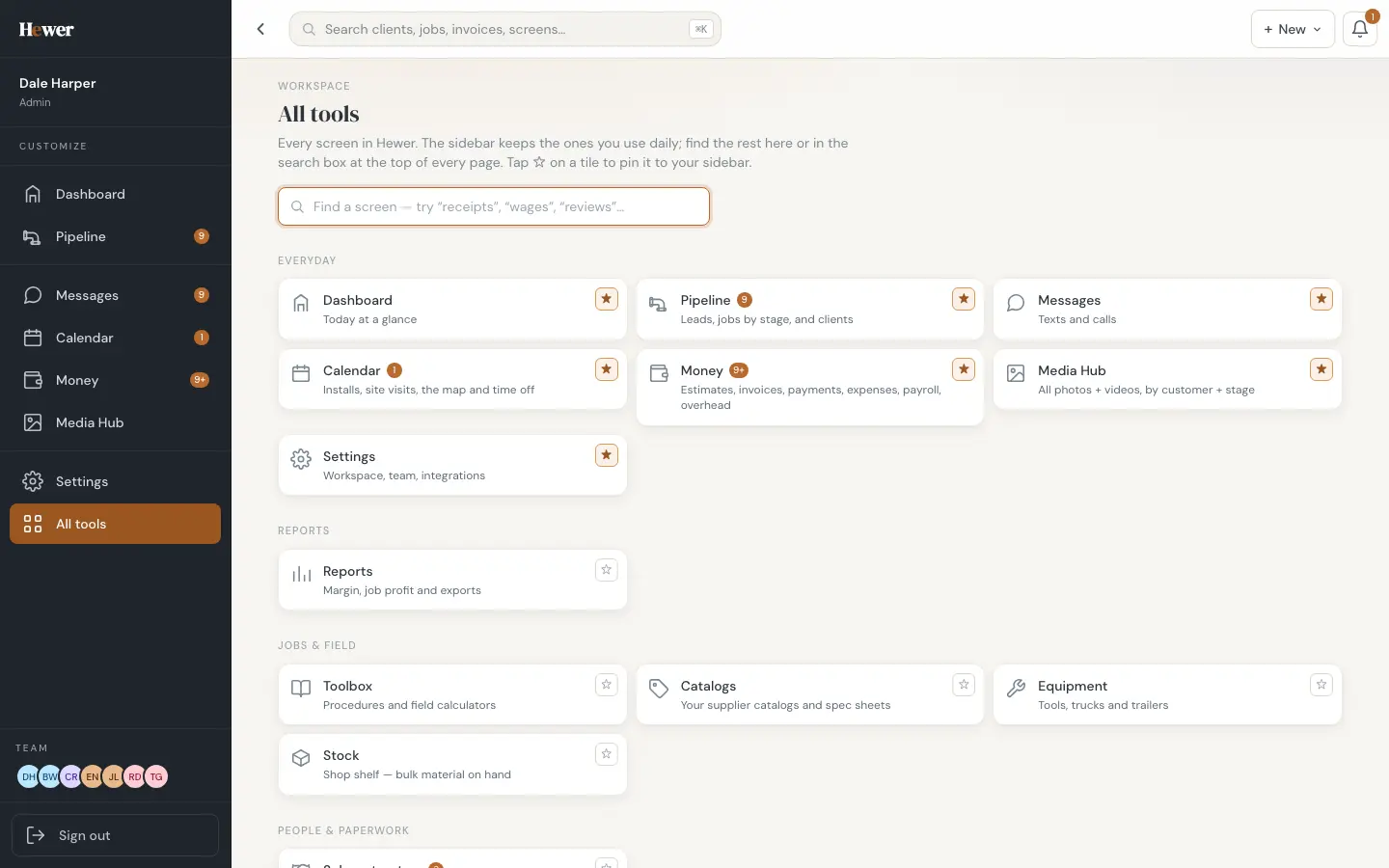
Separate from the CRM, the Hewer Trade Toolkit is a free field calculator app for the trades: stairs, wainscoting, accent walls, conduit, pipe offsets, BTU sizing, roofing and more. No account needed. Read more in The Hewer Trade Toolkit.
Getting started
You can set up your company yourself in a few minutes: add your logo and rates, invite the crew, and send a real estimate. Coming from Jobber, Workiz or Housecall Pro? Export your clients and jobs as CSV files and bring them in with the import tool, as the switching guide explains. See the full list on the features page, compare pricing, or start the trial.
Questions
What is a contractor CRM?
A CRM (customer relationship management system) keeps every customer, lead and job in one place. A contractor CRM adds what the trades need on top: estimates, scheduling, a crew app, invoices and job costing. Hewer is one of those, built for home-improvement and specialty trade contractors.
Does Hewer work on my phone?
Yes. Hewer runs in a browser on any computer and as an app on iPhone, iPad and Android. It's the same login and the same company everywhere.
Do I need a credit card to try it?
No. The trial is 30 days with the whole product and no card needed to start.
Will Hewer move my data from my old system for me?
Import is self-serve. You export clients, jobs and payments from your old system as CSV files and drop them into Hewer's import tool, which matches the columns and shows you what came across before anything is saved.