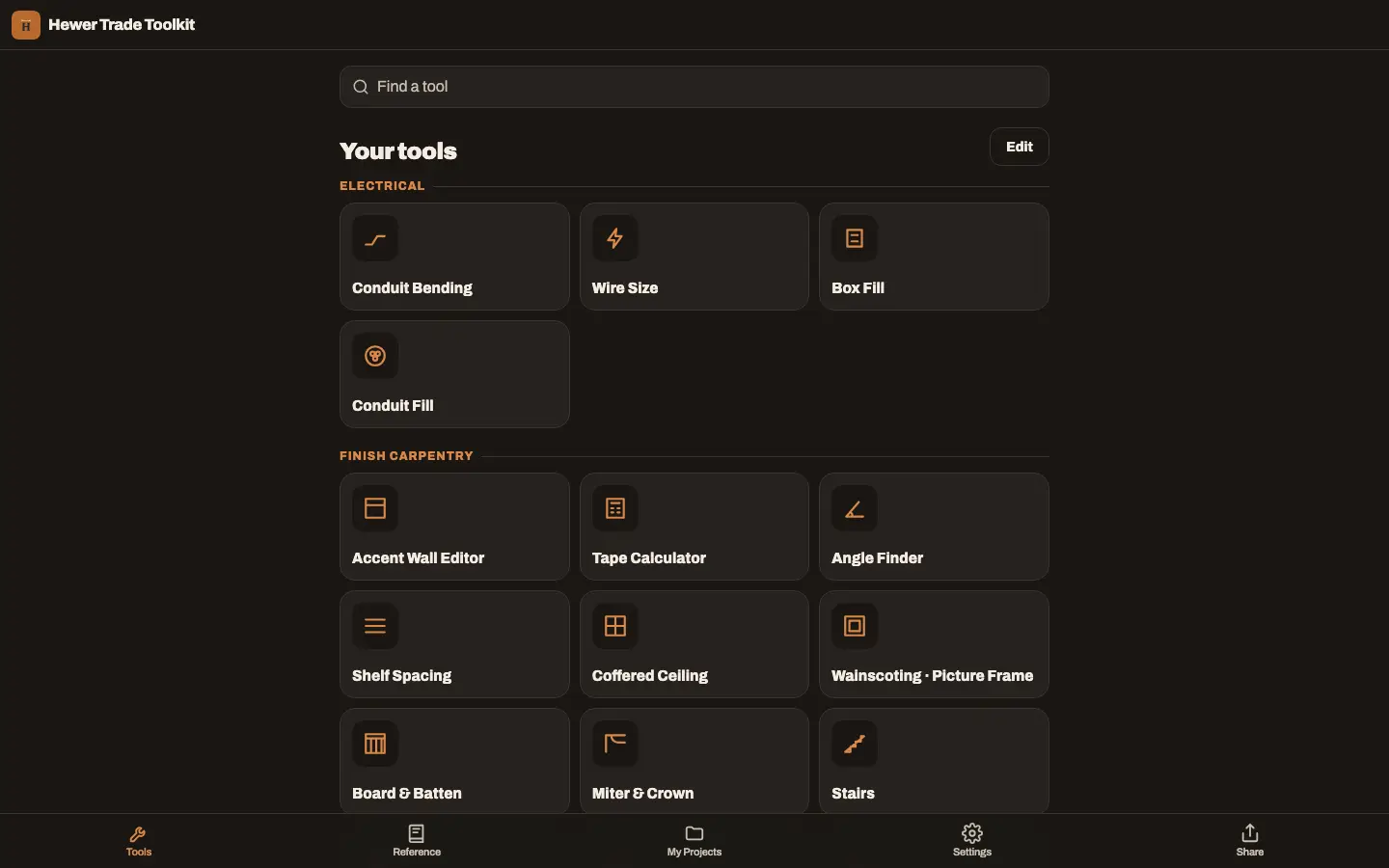
Wainscoting calculator: picture frame boxes and board and batten
By the Hewer team · · 1 min read
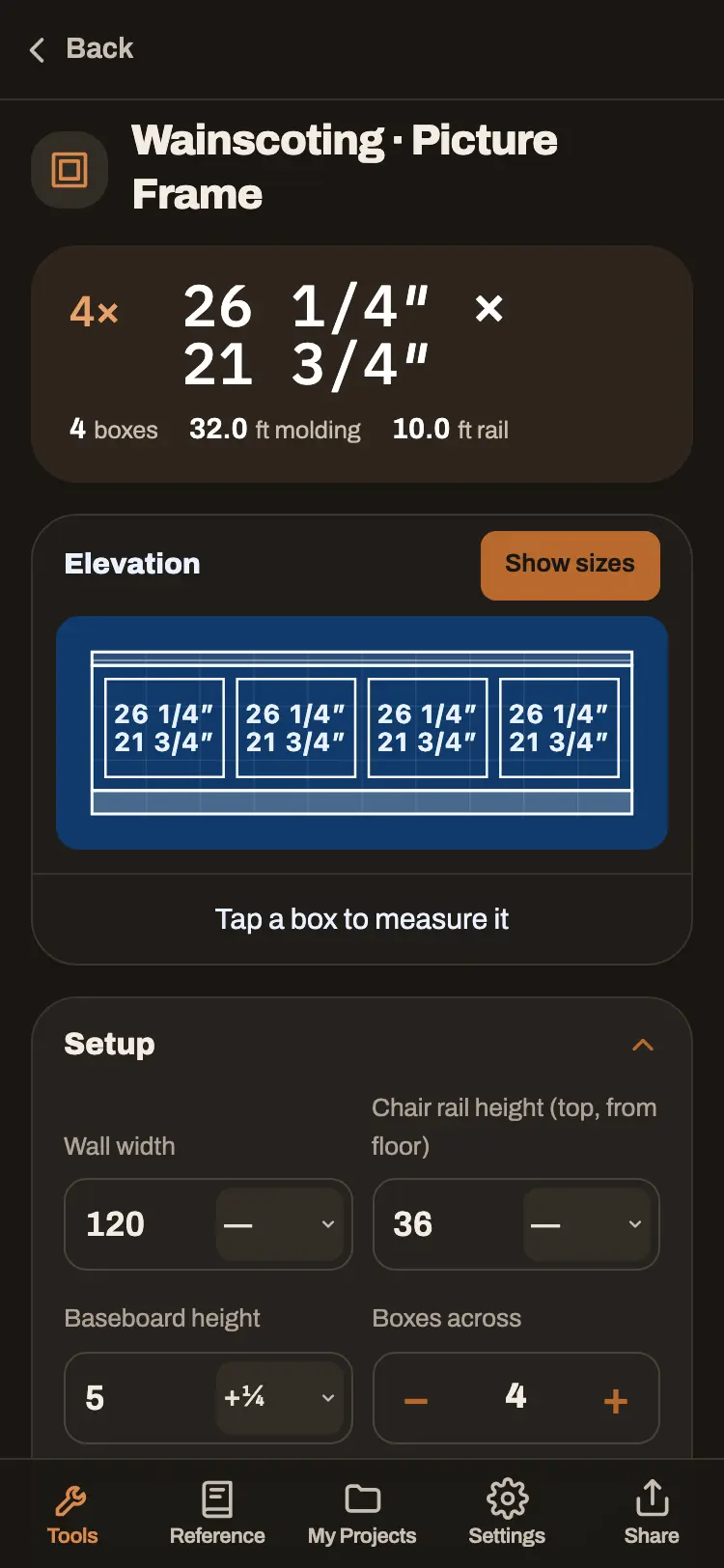
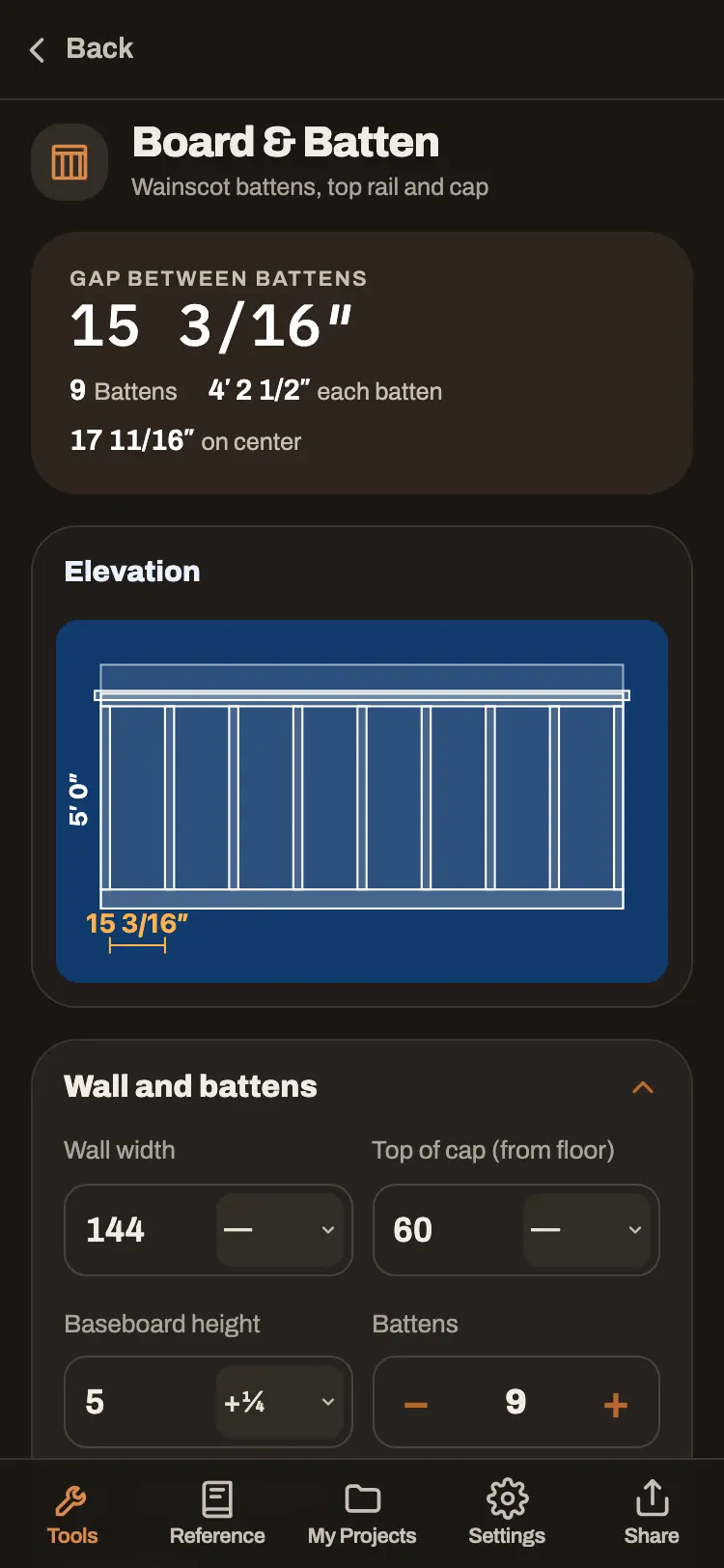
Wainscoting looks right when every gap matches. Two Toolkit tools handle it: Wainscoting · Picture Frame for molding boxes under a chair rail, and Board & Batten for evenly spaced battens under a cap.
What Wainscoting · Picture Frame works out
- Picture frame: the size of each box, the molding footage and the rail length.
- Board & Batten: the gap between battens, on-center spacing and each batten's length.
- An elevation of the wall with every dimension, tap a box to measure it.
How to use it
- Enter the wall width, the chair rail or cap height, and the baseboard height.
- Pick how many boxes across, or how many battens.
- Open More options for stile widths, double insets, or an above-and-below layout.
- Read the sizes and mark the wall from the elevation.
Open Wainscoting · Picture Frame (free) →
Tips from the field
- Measure the wall at the rail height, not the floor; walls are rarely straight.
- Mark from the center out on a wall with a centered feature, like a window.
- Buy molding by the footage plus a stick or two for miters and mistakes.
Free, and no account needed
The Hewer Trade Toolkit is free. It runs in any phone browser, saves your last inputs, works in feet and inches or metric, and keeps layouts in job folders you can export as a PDF. If you run a crew, the same calculators are inside Hewer's crew app, next to the jobs, the schedule and the clock-in.
Questions
How do I space picture frame wainscoting evenly?
Enter the wall width, the chair rail height and the baseboard height, then pick how many boxes go across. Wainscoting · Picture Frame gives the size of each box, the molding footage and the rail length, and draws the wall so you can mark it.
How do I figure out board and batten spacing?
Enter the same wall measurements and the number of battens. Board & Batten gives the gap between battens, the on-center spacing and each batten's length, with an elevation of the wall.
How much molding should I buy for wainscoting?
Buy the footage the calculator gives you, plus a stick or two for miters and mistakes.