Concrete calculator: yards to order or bags to mix
By the Hewer team · · 1 min read
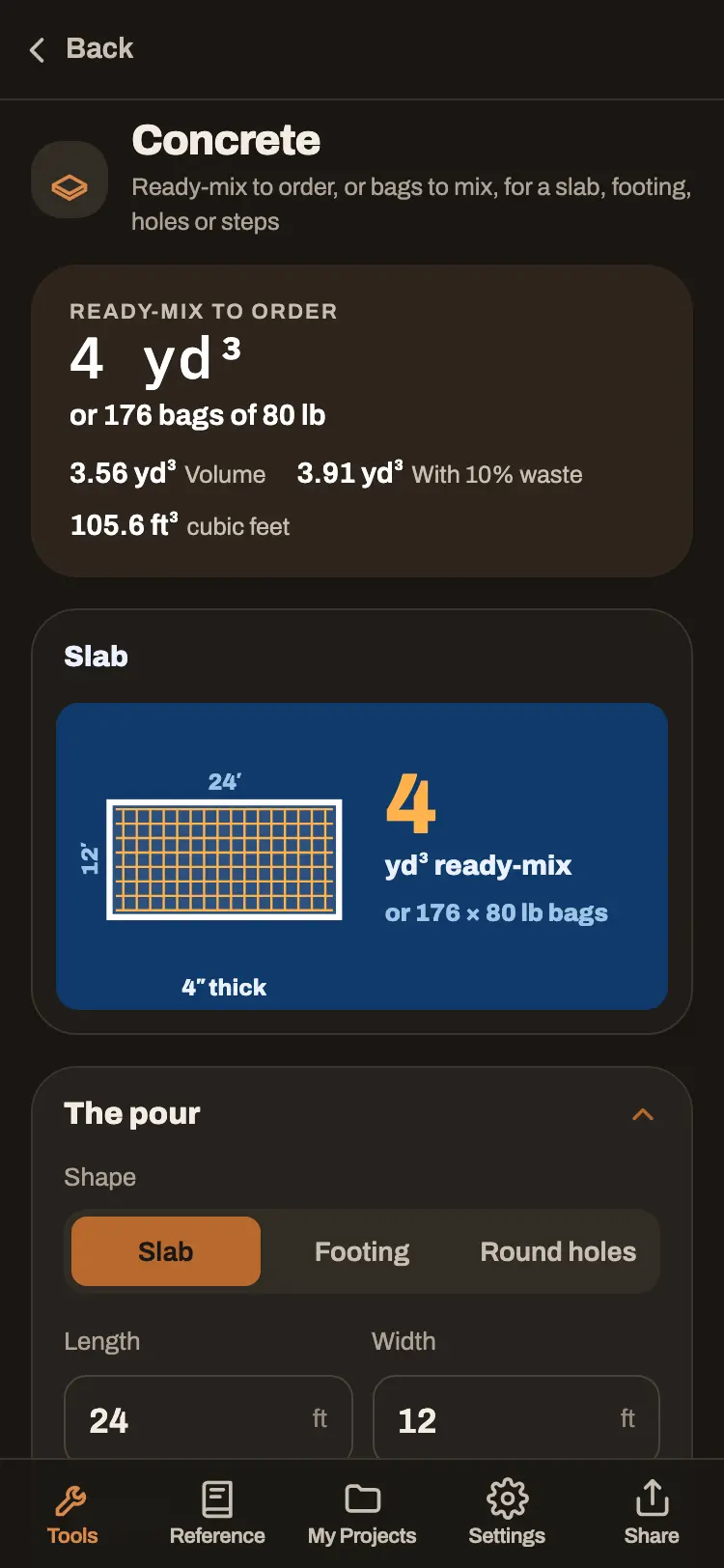
Short a quarter yard on a pour is a bad afternoon. The Concrete calculator works out the volume for what you're pouring, turns it into a truck order or a bag count, and for a slab adds the rebar and the gravel base.
What the Concrete calculator works out
- Volume for a slab, a footing, round holes or steps.
- Cubic yards to order from the plant, and the cubic feet.
- Or the bags to mix by hand, for 80, 60 and 40 pound bags.
- Waste added on top, set to the percentage you choose.
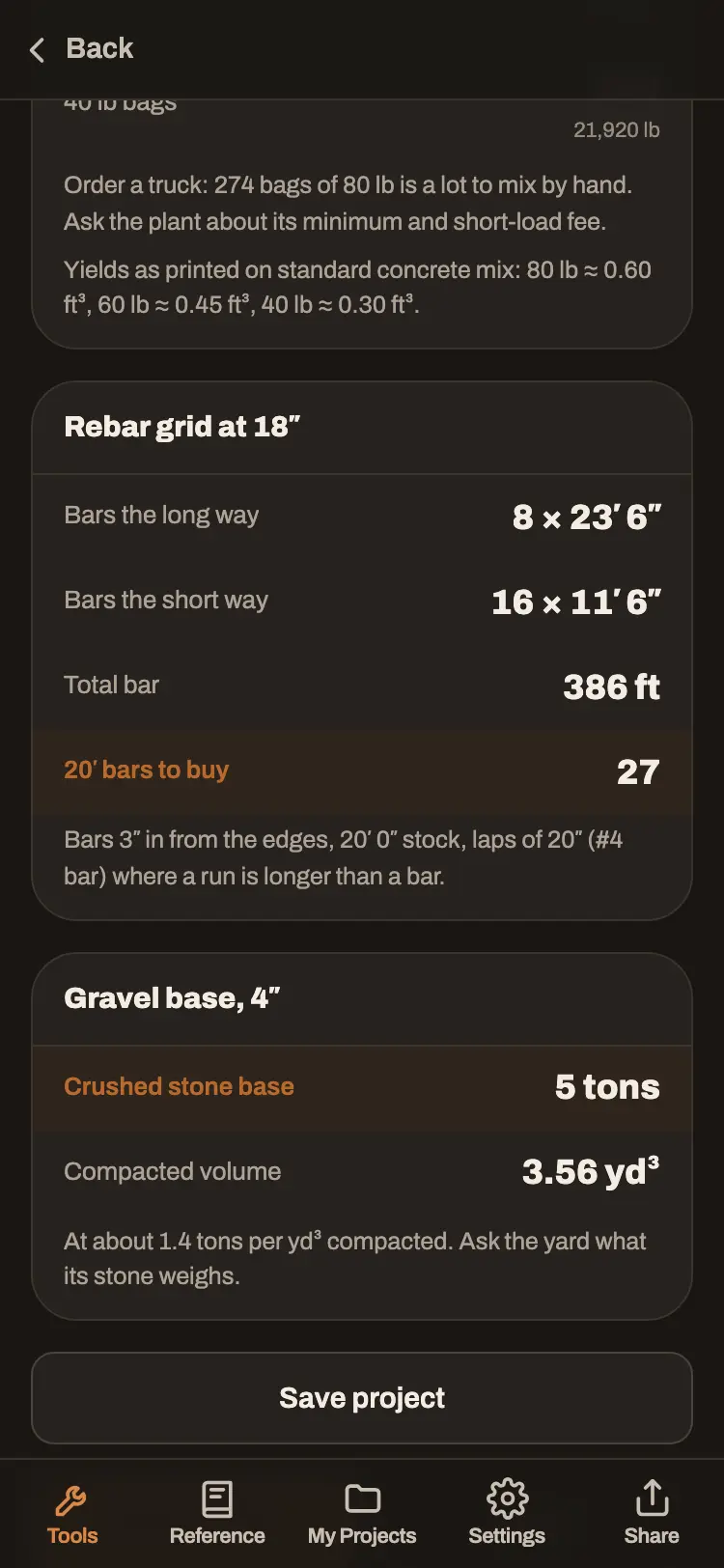
- For a slab: a rebar grid or wire mesh, and the crushed stone for a base.
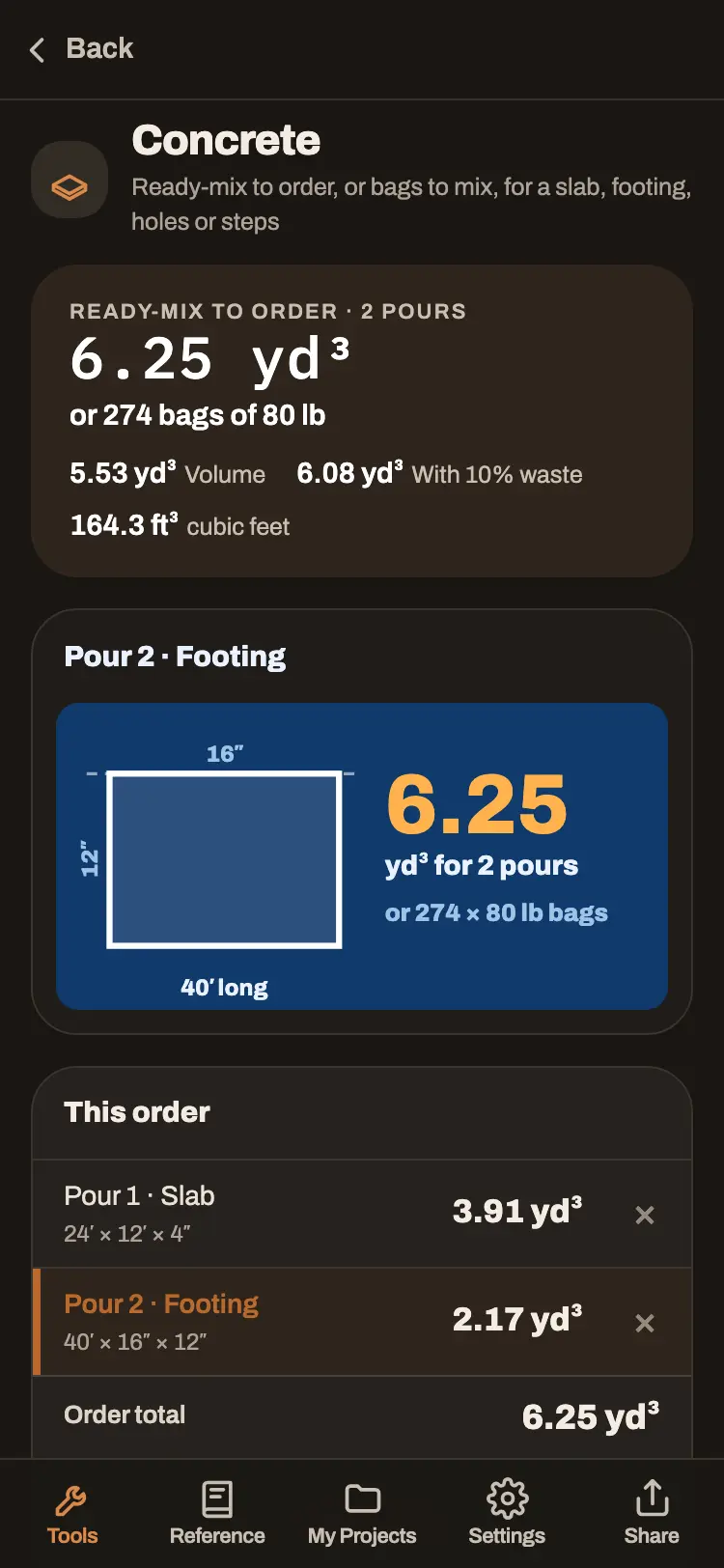
- Several pours on one order, with one total.
How to use it
- Pick the shape: slab, footing or round holes. Steps are under More options.
- Enter the sizes. Tap + Add a pour to put a footing or a second slab on the same order.
- Open More options to set the waste, and for a slab the rebar or mesh and the gravel base.
- Read the order at the top, then the bags, the rebar and the base below.
Open the Concrete calculator (free) →
Tips from the field
- Measure the depth in several spots; a sub-base that dips adds up fast.
- Round up the truck order. A short load costs more than a little extra.
- Under about a yard, bags make sense. The tool says so when it's a lot of bags to mix by hand.
- Ask the stone yard what its stone weighs; the base is worked out at about 1.4 tons a cubic yard.
- For pads with pavers instead, see Driveway Pavers.
Free, and no account needed
The Hewer Trade Toolkit is free. It runs in any phone browser, saves your last inputs, works in feet and inches or metric, and keeps layouts in job folders you can export as a PDF. If you run a crew, the same calculators are inside Hewer's crew app, next to the jobs, the schedule and the clock-in.