Site visits: measure, photograph and mark up on the spot
By the Hewer team · · 1 min read
The walkthrough is where the estimate is won or lost. Forget one measurement and you are driving back, or guessing. Hewer gives estimators one place on the phone or iPad for every photo, dimension and note from the visit, and it hands all of it to the estimate.
Booking the visit
From a lead, schedule a site visit and it goes on the calendar with a pin on the map. The customer gets the time, and the visit shows up on the estimator's day.
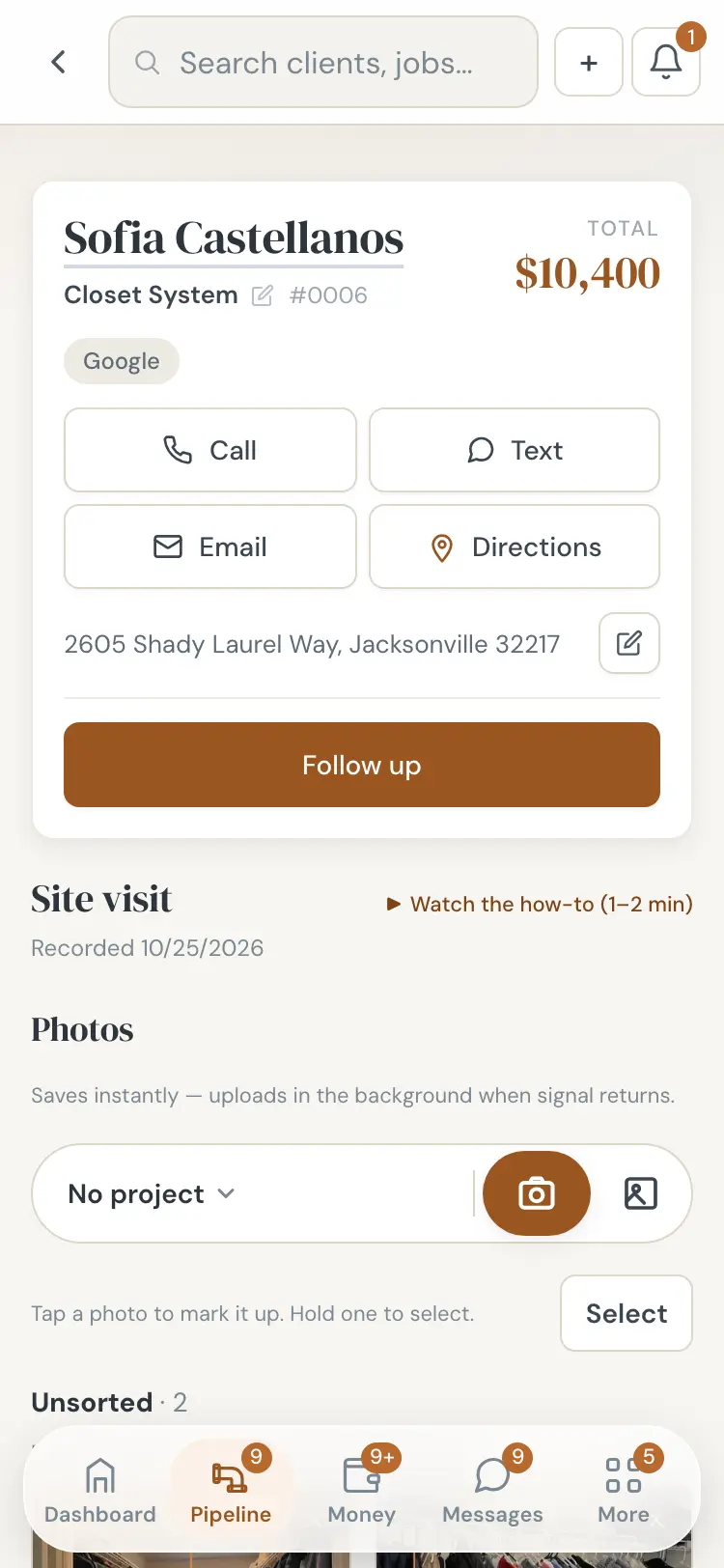
Photos, sorted as you go
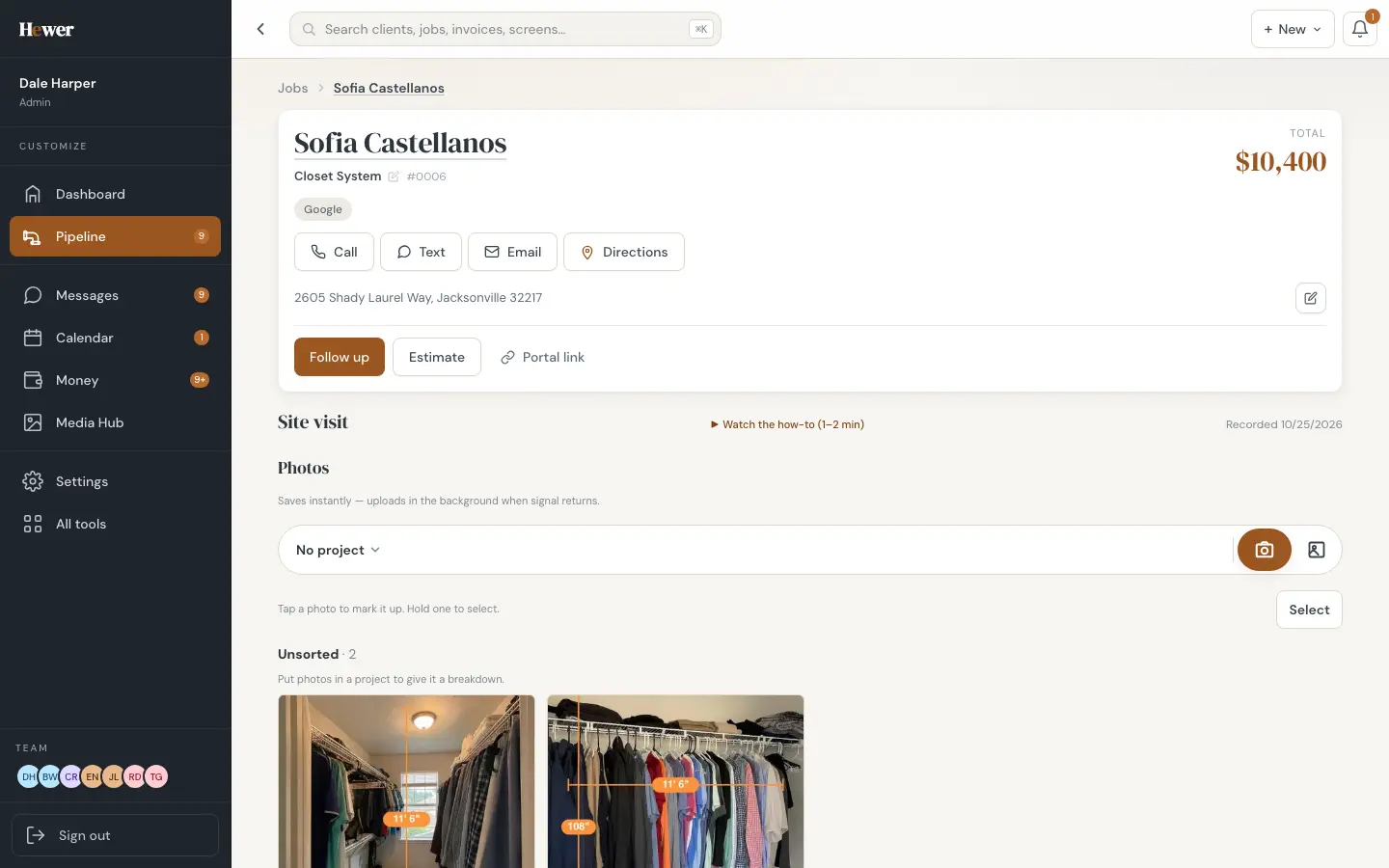
Take photos straight into the visit. Group them into projects, say "primary closet" and "guest closet", so the estimate later has one section per project with the right pictures. Tap and hold to select several at once.
Draw the dimensions on the photo
Tap a photo to mark it up: draw a line, type the measurement, add a note. The marks stay on the photo, so whoever writes the estimate sees exactly what was measured and where.
No signal, no problem
Photos save on the device the instant you take them and upload in the background when the signal returns. A basement with no bars won't cost you a visit.
Recordings become notes
If you record your walkthroughs with a Plaud recorder, Hewer transcribes the recording and summarizes it into job notes, including the family details people mention, like a new baby or a dog that shouldn't get out. Names, numbers and addresses are swapped for placeholders before the summary is written.
Straight into the estimate
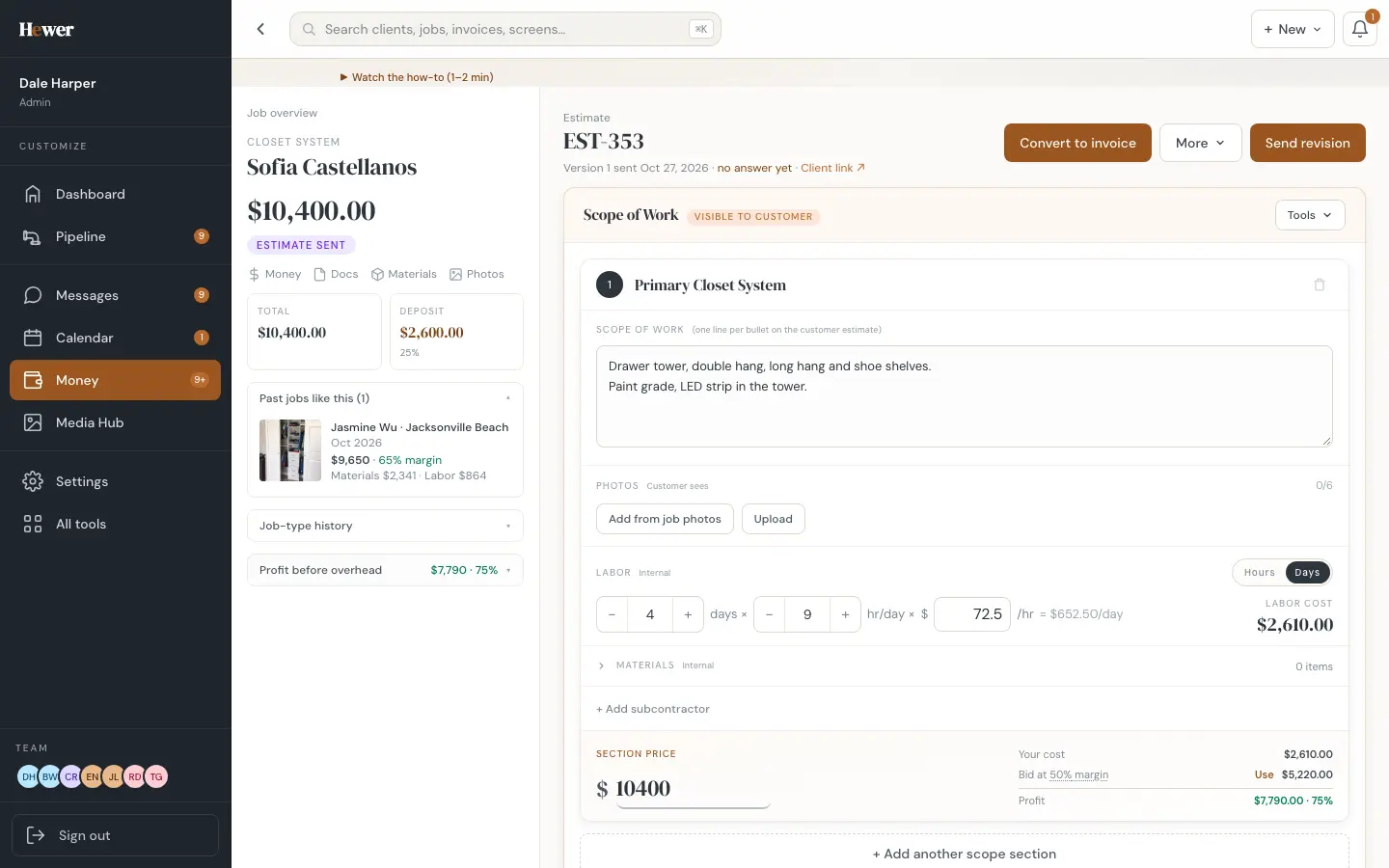
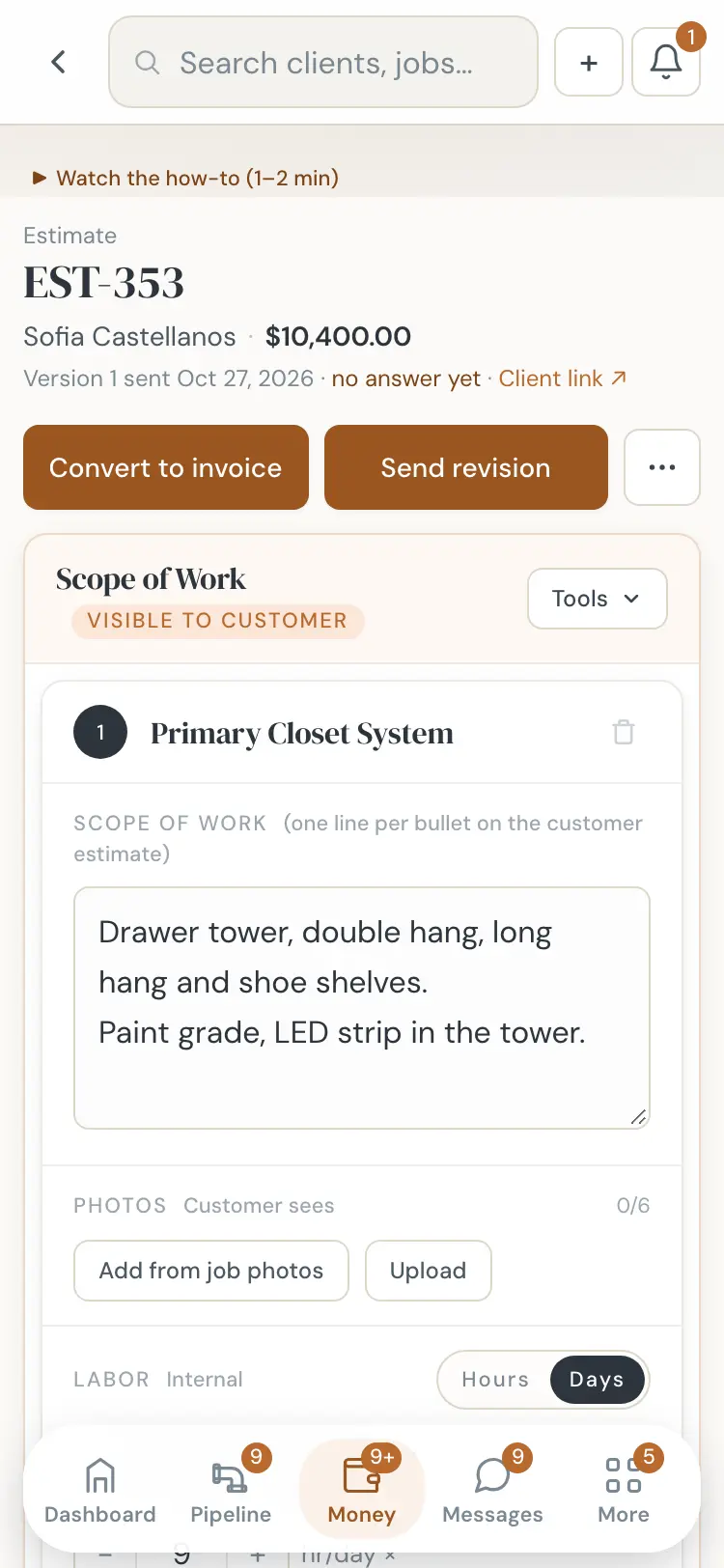
When the visit is done, start the estimate from it. Each project becomes a section with its photos attached, and the "past jobs like this" card shows what similar jobs sold for. See Leads and estimates.
Calculators in the same pocket
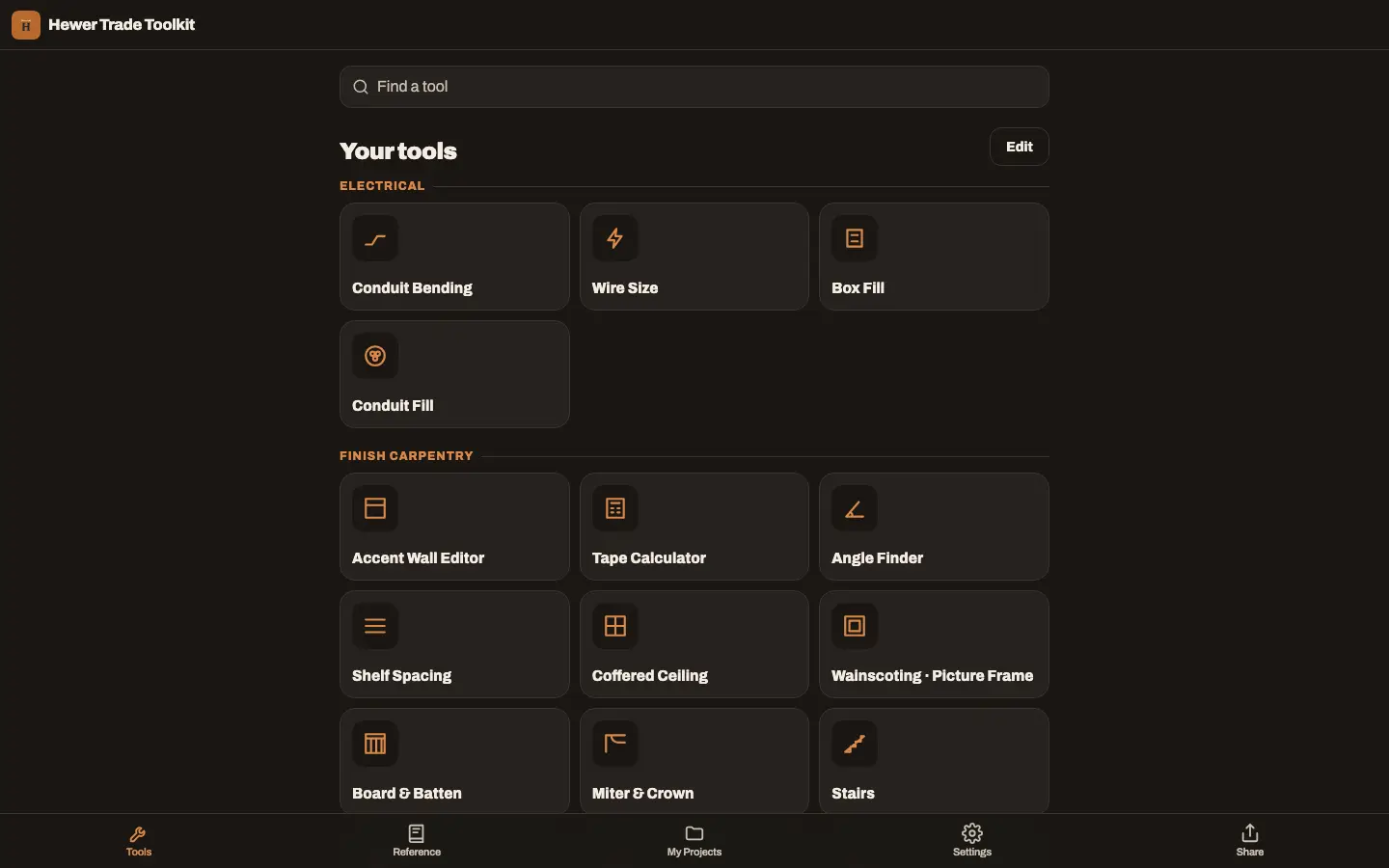
Stair layouts, wainscot spacing, accent walls and more are in the Hewer Trade Toolkit, free, and inside the crew app for your team. Try Hewer on your next walkthrough: start a trial.
Questions
Does the site visit work offline?
Yes. Photos are saved on the device right away and upload in the background when the signal comes back.
Can I use it on an iPad?
Yes. Hewer runs on iPhone, iPad and Android, and in any browser.